

- Haber Akışı
- KEŞFEDIN
- Sayfalar
- Etkinlikler
- Bloglar
-
 Hakkımızda
Convert Designs for ZSK Embroidery Machines: Tools and Techniques
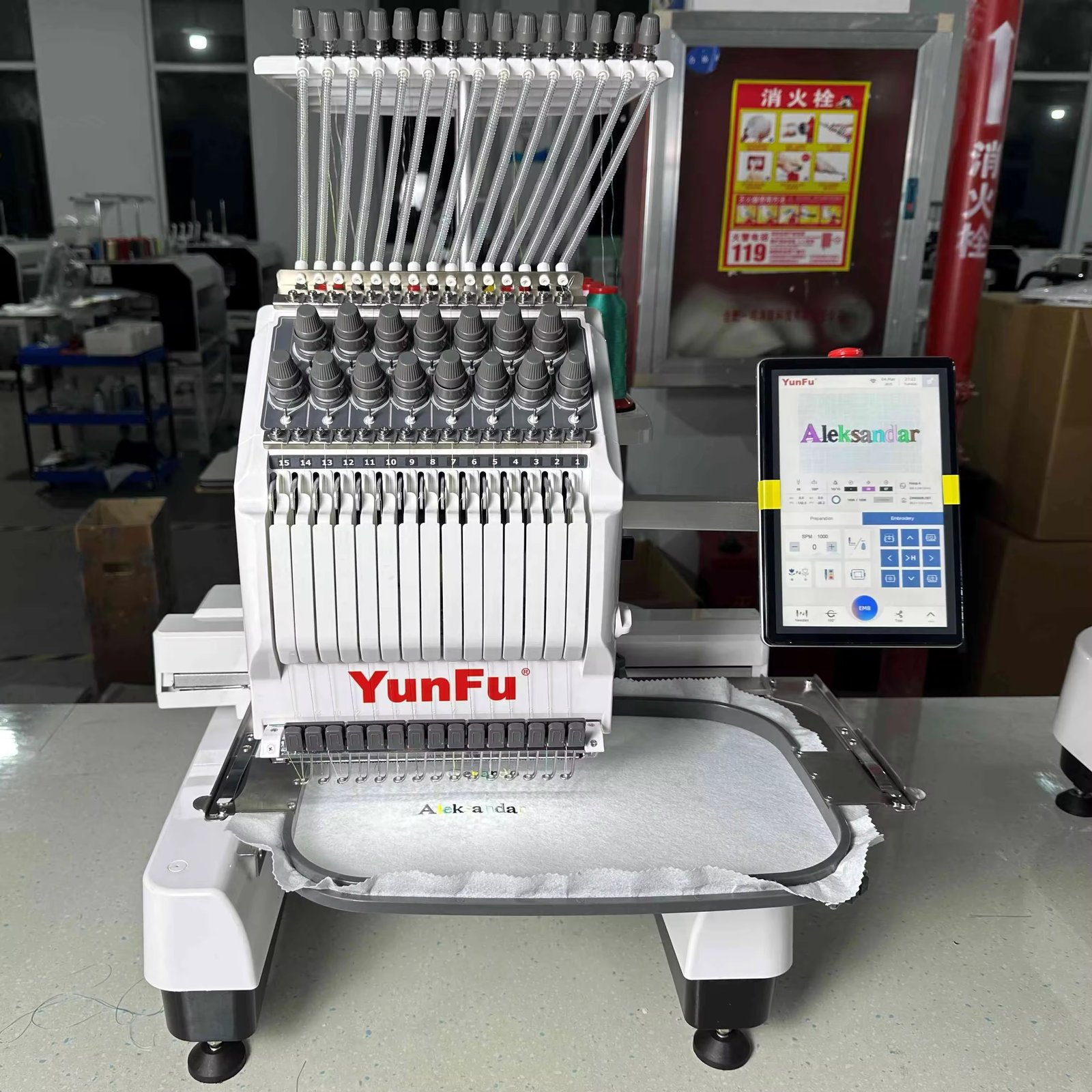
You have a design ready to stitch, but your ZSK machine is refusing to cooperate. Maybe the file format is wrong. Maybe the colors are not assigned correctly. Maybe the design lacks the special commands your industrial machine needs to run smoothly. Before you throw up your hands, know this: ZSK machines are workhorses built for precision and speed, but they need the right fuel. Learning how to convert designs for ZSK embroidery machines properly saves you time, thread, and frustration.
ZSK embroidery machines dominate industrial settings and technical textile production . They handle everything from high-volume apparel to carbon fiber components for aerospace . But they speak their own language. You need the right tools and techniques to translate your designs into files these machines understand.
Understanding ZSK File Formats
Before we dive into tools, you need to know what you are creating. ZSK machines read several file formats, but the most common are .Z00 and .DST .
The .Z00 format is ZSK's native stitch file. It contains all the machine-specific commands your ZSK needs for optimal performance . When you convert designs specifically for ZSK machines, .Z00 is usually your target format.
DST files work too. Most ZSK machines read standard DST files from Tajima and other commercial machines . However, DST files lack some ZSK-specific features like head selection commands or special presser foot controls .
For complex technical embroidery involving sequins, beads, or chenille, ZSK supports specialized formats. The latest EmbroideryStudio 2025 even includes support for the ZSK TC format for twin sequin and chenille designs .
Tool 1: ZSK's Official BasePac Software
If you want the tool built specifically for your machine, look at ZSK's BasePac family. This modular software suite handles everything from basic editing to advanced technical digitizing .
BasePac comes in several versions to match your needs :
BasePac Base lets you edit existing stitch files, personalize designs, and choose from over 100 fonts. You can insert special ZSK commands into existing designs and convert between .DST and .Z00 formats . This is your entry point for basic conversion and customization.
BasePac Premium adds creation tools. You can design patterns from images or vectors and use the auto-digitizer to generate embroidery designs in minutes . Perfect for turning logos into stitch files.
BasePac Professional unlocks unlimited creativity with complex effects, beads, and sequins on lines or in areas . For embroidery businesses pushing creative boundaries, this version delivers.
BasePac Technology targets technical embroidery like tailored fiber placement (TFP) and smart textiles . It includes enhanced file formats for output and tools for precise technical work.
All BasePac versions import and export multiple stitch file types including .DST, .DSZ, .EXP, and .PAT. They also read .Z00 files natively . The software runs on Windows and integrates directly with ZSK machines over your network .
Tool 2: ZSK Terminal for Production Preparation
ZSK Terminal acts as the bridge between your design files and your machines . Think of it as production headquarters. You import designs, prepare them for stitching, and send them to one machine or an entire machine park.
The Converter tool in ZSK Terminal translates .DST files into ZSK code . You load your .DST files, assign colors to each section, and the software generates a .Z00 file that matches your current color assignments on the machine . This step alone eliminates countless production errors.
EasyText lets you add lettering in different fonts, sizes, and colors to existing designs . You position up to nine independent text blocks and send directly to your machine.
PhotoStitch creates embroidery files from photos in seconds . Open an image, select a size, and save as .Z00 transport code. Perfect for custom portrait work.
Projects organizes all your files in one place with thumbnails, descriptions, and related media like PDFs . Your team accesses everything they need without hunting through folders.
ZSK Terminal works alongside BasePac or as a standalone production tool. It is free to download and use, making it accessible for any ZSK owner .
Tool 3: Third-Party Professional Software
Sometimes you need capabilities beyond ZSK's native tools. Professional embroidery software from Wilcom and others supports ZSK file formats directly.
Wilcom EmbroideryStudio now supports the ZSK TC format for twin sequin and chenille embroidery . This means you can digitize complex multi-needle designs with sequins and beads and output them correctly for ZSK machines. The software includes a dedicated ZSK output option in the production file menu .
The latest EmbroideryStudio 2025 introduces an Exports Docker that processes file conversions in the background while you keep digitizing . No more waiting for exports to finish. You stay creative while the software handles production files.
Wilcom TrueSizer offers a free option for viewing and converting embroidery files. While it lacks full digitizing capabilities, it handles basic format conversions including ZSK-compatible formats.
Stitch Viewer Pro on Android opens and exports ZSK files . You can view designs on your phone, convert between formats, and even match colors to standard thread charts. The free version lets you test compatibility before purchasing the full feature set .
Tool 4: EPCwin for Technical Textiles
If your work involves technical embroidery like carbon fiber laying, heated wires, or smart textiles, EPCwin is your tool . This Linux-based software from ZSK targets high-precision and technical applications.
EPCwin supports HV-TFP technology for high-speed fiber laying and automatic media switching . You embed machine commands like presser foot height and head switching directly into designs. The OPS2 camera system ensures perfect thread matching .
For aerospace, automotive, and medical applications, EPCwin delivers the precision standard DST files cannot match . It integrates with MY.ZSK cloud monitoring for real-time production analytics .
Step-by-Step: Converting Your Design
Let us walk through the conversion process using the most common scenario: you have a DST file that needs to run on your ZSK machine.
Step 1: Prepare Your File
Start with the cleanest file possible. If you have a native editable format like EMB from Wilcom or a ZSK native file, use that. Converting from a machine file to another machine file loses information . Native files contain object data and scale better .
If you only have DST, that works too. Just know that DST files lack color information and object properties . You will need to reassign colors manually.
Step 2: Open in Conversion Software
Launch ZSK Terminal or BasePac. Open your DST file using the import function. The software displays the design with default color assignments.
Step 3: Assign Colors
This step matters more than most people realize. DST files store stitch data but not actual color information . Your software assigns placeholder colors, but you need to match them to the threads loaded on your machine.
In ZSK Terminal, use the Converter to assign colors to each section . Match them to your current thread cones. Save this assignment so the machine knows which needle carries which color.
Step 4: Add Machine Commands
For ZSK-specific features, insert commands like head selection, presser foot height, or trim controls . BasePac lets you add these directly to existing designs . This step optimizes the design for your specific machine configuration.
Step 5: Add Lettering if Needed
Use EasyText in ZSK Terminal to add names, numbers, or monograms . Choose fonts, set sizes, and position text blocks. The software generates the stitch data automatically.
Step 6: Export as .Z00
Save your prepared file as .Z00. This ZSK-native format contains all the commands and color assignments your machine needs .
Step 7: Transfer to Machine
Send the file over your network directly to the machine . No USB drives. No format guessing. The machine receives exactly what it needs.
Step 8: Test Stitch
Run a test on scrap material matching your final fabric. Watch for thread breaks, tension issues, or alignment problems. ZSK machines run fast, so test at production speeds.
Common Conversion Mistakes to Avoid
Ignoring color assignment. DST files have no color data. If you skip manual color assignment, your machine may stitch the design with the wrong needles .
Using the wrong source file. Converting a machine file to another machine file loses quality . Always keep native editable files for archiving and future modifications.
Skipping underlay. Industrial machines run fast. Without proper underlay, designs shift and pucker. Ensure your digitizing includes appropriate underlay for your fabric.
Forgetting machine commands. ZSK machines offer features like head selection and presser foot control. If your file lacks these commands, you lose efficiency and precision .
Not testing. Screen previews lie. Only a real sew-out reveals density problems, thread breaks, or tension issues. Test every new design before production.
When to Use Professional Digitizing Services
Sometimes the smartest move is letting experts handle the conversion. Professional digitizing services employ experienced digitizers who understand ZSK machines and industrial requirements .
Services like those offered through ZSK's ecosystem connect you with trained professionals who know the nuances of technical embroidery . For complex logos, tiny text, or specialized applications like TFP, professional digitizing saves time and guarantees quality.
MY.ZSK even links to MY.Academy for ongoing training and updates . You learn while you produce, continuously improving your skills.
Conclusion
Converting designs for ZSK embroidery machines does not have to be complicated. ZSK provides a complete ecosystem of tools: BasePac for creation and editing, ZSK Terminal for production preparation, and EPCwin for technical textiles . Third-party software like Wilcom EmbroideryStudio adds professional digitizing capabilities with native ZSK support .
The key is understanding your workflow. If you edit existing designs, BasePac Base or ZSK Terminal handles conversion easily. If you create original designs, BasePac Premium or Professional gives you the tools. If you work with technical materials, EPCwin delivers precision .
Start with clean files. Assign colors carefully. Add machine commands. Test before production. Follow these steps, and your ZSK machines will run smoothly, producing flawless embroidery job after job.
Your ZSK machine is capable of incredible work. Feed it the right files, and watch it deliver.
